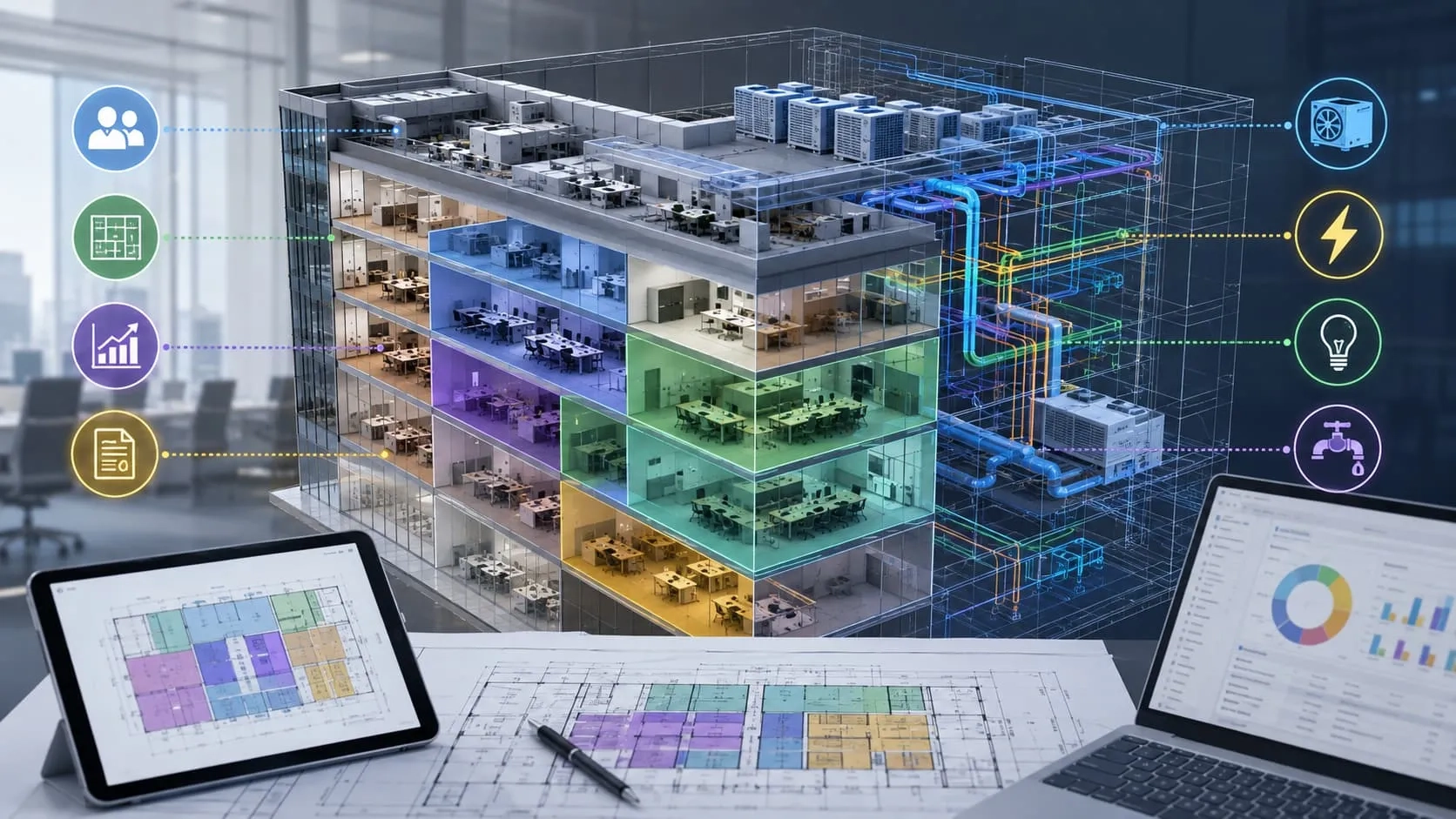
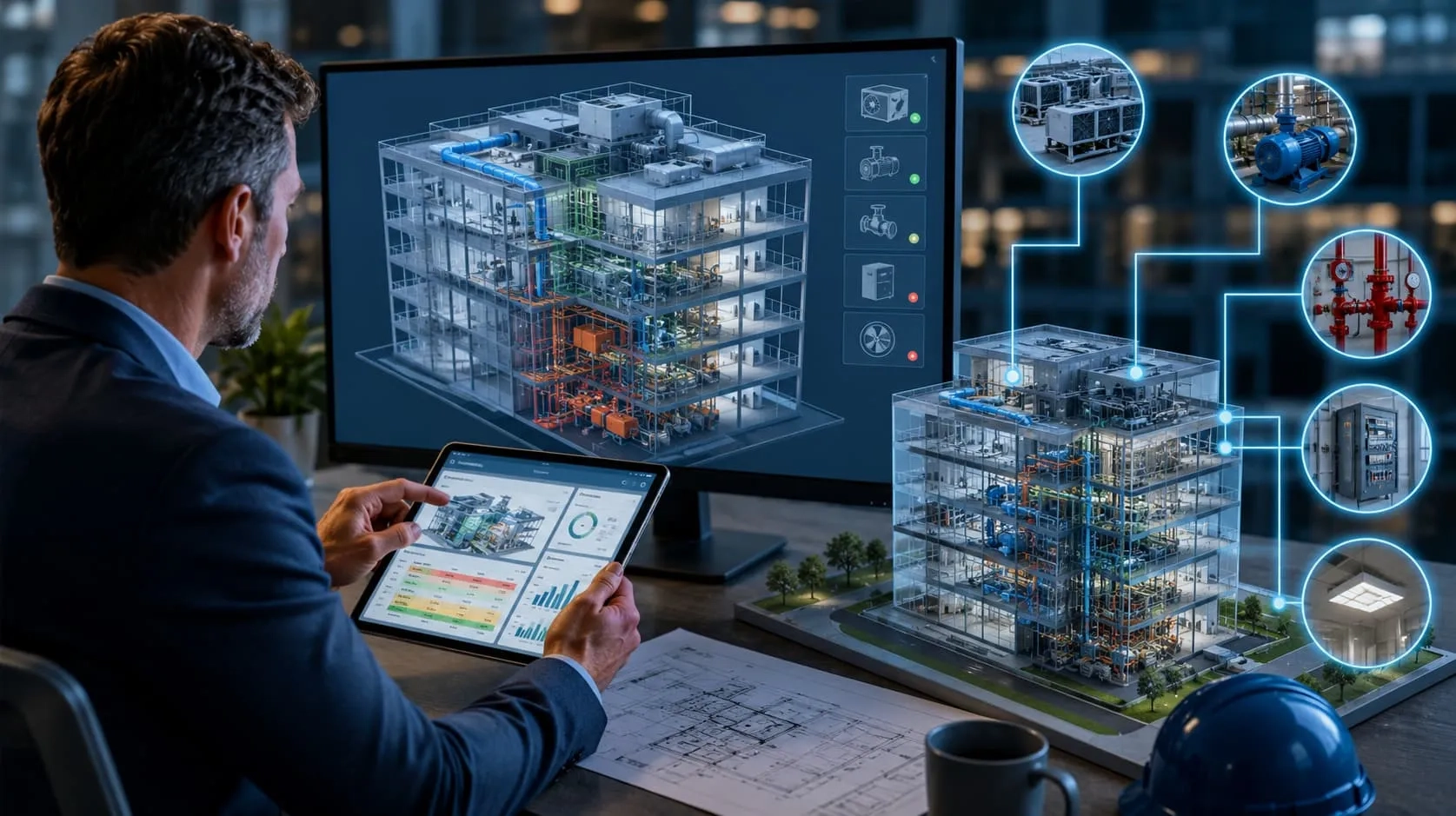
A set of 2D CAD drawings can serve a project well for years. They document the original design, support construction, and remain a valuable reference long after completion. But as buildings age and project requirements evolve, those same drawings often become a limitation rather than an asset. A renovation is planned, an extension is proposed, or the client requires BIM deliverables for coordination and project approval. Suddenly, the information stored in 2D drawings is no longer enough to support the next stage of the project. This is the point where many building owners, contractors, and design firms turn to CAD to BIM conversion—not simply to replace CAD drawings, but to transform existing design data into an intelligent BIM model ready for modern project demands.
Why 2D CAD Drawings Are No Longer Enough
For decades, 2D CAD drawings transformed the architecture, engineering, and construction (AEC) industry by replacing hand drafting with faster, more accurate digital documentation. They remain an essential tool for producing technical drawings and communicating design intent. However, the AEC industry has evolved significantly, and so has the role of CAD.
As BIM adoption continues to grow, projects are becoming increasingly collaborative, data-driven, and digitally connected. Digital construction workflows, smart buildings, and digital twins all depend on structured building information rather than standalone drawings. Project teams need coordinated models that support design reviews, construction planning, asset management, and informed decision-making throughout the building lifecycle.
This doesn't mean CAD has lost its value. Instead, its role has changed. What was once the final project deliverable has become the foundation for creating intelligent BIM models. Existing CAD drawings remain valuable project records and legacy documentation, providing the source data for BIM workflows rather than serving as the end product themselves.
When CAD Drawings Become a Limitation
A well-maintained set of CAD drawings can remain useful for many years. However, there are moments in a project's lifecycle when drawings alone can no longer provide the information needed to make confident decisions. As projects become more complex, collaborative, or data-driven, the limitations of 2D documentation become increasingly apparent.
Renovation and Retrofit Projects
Renovation projects rarely begin with a clean slate. Buildings may have undergone multiple modifications over the years, many of which were never documented in the original CAD drawings. Walls have been relocated, equipment replaced, utilities rerouted, and structural elements reinforced without corresponding updates to the drawings. As a result, project teams often discover that the existing documentation no longer reflects the building's actual condition.

Relying on outdated drawings increases the risk of design errors, construction conflicts, and costly rework. Demolition planning becomes more difficult, while architects and engineers must spend additional time verifying existing conditions before new work can begin.
This is where CAD to BIM conversion, often combined with Scan to BIM and Point Cloud technology, provides significant value. By creating an accurate Existing Conditions Model or As-built BIM model, project teams gain a reliable digital representation of the building that supports design, coordination, and construction planning. The result is better decision-making, fewer unexpected site issues, and reduced project risk.
Read more: Point Cloud to BIM for Renovation: Accurate As-Built Models that Cut Costs and Errors
Building Expansion Projects
Expanding an existing facility presents a different challenge. The new design must integrate seamlessly with the existing structure, yet legacy CAD drawings often lack the information needed to verify structural systems, floor elevations, service routes, or equipment locations.
Without an intelligent model of the existing building, coordinating new architectural, structural, and MEP systems becomes increasingly difficult. Design conflicts may not become apparent until construction begins, leading to delays and additional costs.
Converting existing CAD documentation into a BIM model gives project teams a coordinated digital environment where both existing and proposed conditions can be reviewed together. This improves design coordination, supports multidisciplinary collaboration, and reduces uncertainty before construction starts.
When BIM Deliverables Become a Project Requirement
Sometimes, the need for CAD to BIM conversion has little to do with the building itself. Instead, it is driven by project requirements.
Many public and private projects now require BIM deliverables as part of the procurement, design review, or construction process. Clients may request Revit models instead of 2D drawings. Government BIM mandates continue to expand in many countries. Project documentation may need to comply with an Employer's Information Requirements (EIR), a BIM Execution Plan (BEP), or industry standards for IFC model exchange.
In these situations, the project is no longer asking for drawings—it is asking for structured, reliable building information. Existing CAD files remain valuable, but they must be transformed into intelligent BIM models capable of supporting collaboration, coordination, analysis, and digital project delivery.
Read more: 2026 BIM Mandates: The Global Compliance Shift That Will Reshape Who Wins Projects
Construction Coordination
As a project moves from design into construction, coordination becomes one of the biggest challenges. Architectural, structural, and MEP disciplines must work together within the same physical space, yet separate 2D CAD drawings make it difficult to identify conflicts and understand how different building systems interact.
Modern construction projects rely on coordinated BIM models to support clash detection, multidisciplinary design reviews, and construction planning. Tools such as Autodesk Navisworks enable project teams to detect issues before they reach the job site, while coordination models provide a single source of truth for architects, engineers, contractors, and subcontractors. BIM also supports construction sequencing (4D planning), helping teams visualize the construction process, optimize schedules, and reduce on-site conflicts. Instead of coordinating dozens of independent drawings, stakeholders can collaborate around a shared digital model that improves communication and minimizes costly rework.
Operation and Facility Management
The need for building information does not end when construction is complete. During operation, owners and facility managers require accurate information to efficiently manage building assets throughout their lifecycle.
A typical CAD drawing can show where equipment is located, but it cannot effectively manage asset data such as equipment specifications, maintenance history, warranty information, inspection records, or space utilization. As buildings become more complex, searching through hundreds of drawings and documents becomes inefficient and error-prone.
A BIM model centralizes this information within a digital representation of the facility, making it easier to locate assets, schedule maintenance, manage spaces, and support long-term operational decisions. By transforming legacy CAD drawings into BIM, owners gain a valuable digital asset that continues to deliver value long after construction is finished.
Preparing for Digital Twin
Many organizations are now looking beyond BIM toward Digital Twins as part of their digital transformation strategy. However, a Digital Twin cannot be built from 2D drawings alone.
To integrate IoT devices, building sensors, real-time monitoring systems, and predictive maintenance technologies, projects need a structured digital model that connects physical assets with reliable information. BIM provides this foundation by organizing geometry, asset data, and relationships into a single information model that can evolve throughout the building lifecycle.
For organizations planning smart buildings, connected facilities, or future Digital Twin initiatives, CAD to BIM conversion is often the first step toward creating a scalable digital foundation capable of supporting advanced analytics, automation, and data-driven facility management.
Can Every CAD Drawing Be Converted into BIM?
In most cases, yes. Nearly all CAD drawings can be converted into BIM models. However, the quality, accuracy, and level of detail of the final BIM model depend largely on the quality of the original CAD documentation.
A professional CAD to BIM conversion process does more than recreate lines in 3D. It interprets design intent, organizes building elements into intelligent BIM objects, and enriches the model with structured information. The better the source drawings, the more efficient and accurate the conversion process will be.
Several factors influence the outcome:
- Drawing quality – Clear, well-organized drawings are easier to interpret than incomplete or inconsistent files.
- Layer organization – Standardized layer structures help identify architectural, structural, and MEP elements correctly.
- Dimensions and annotations – Accurate dimensions, elevations, and notes reduce ambiguity during modeling.
- Completeness of documentation – Floor plans, elevations, sections, and detail drawings together provide a much stronger foundation than isolated plans.
- Revision history – Drawings that reflect the latest site conditions produce more reliable BIM models.
Outdated documentation may require site verification or additional survey data.
The following classification provides a general expectation of what can be achieved from different types of CAD documentation.
Excellent CAD Documentation: Projects with high-quality CAD documentation typically include a complete and well-organized drawing set, standardized layer structures, accurate dimensions, and the latest design revisions. These drawings provide a strong foundation for BIM modeling, allowing engineers to convert them efficiently with minimal clarification. The result is a highly accurate BIM model that can be delivered in a shorter timeframe.
Average CAD Documentation: Many projects fall into this category. The CAD drawings are generally usable, but some information may be missing, inconsistently organized, or spread across multiple revisions. While these drawings can still be converted into BIM successfully, the process usually requires additional engineering review, cross-checking between drawings, and more comprehensive quality assurance to ensure the final model is reliable.
Legacy CAD Documentation: Older projects often rely on CAD drawings that no longer reflect the building's current condition. Renovations, undocumented modifications, outdated standards, or incomplete drawing sets can make conversion more challenging. Nevertheless, these drawings remain valuable source data. By combining CAD documentation with site verification, point cloud scanning, or other reality capture methods, it is still possible to create an accurate BIM model that supports renovation, facility management, or future digital initiatives.
Why Experience Matters in CAD to BIM Conversion
Successful CAD to BIM conversion is not simply a matter of using Revit or other BIM software. It requires engineering expertise to interpret legacy drawings, identify inconsistencies, validate missing information, and produce a BIM model that accurately reflects the project's requirements. Every project presents different challenges, from outdated documentation and incomplete revisions to complex multidisciplinary coordination.
At Harmony AT, our engineers have extensive experience converting a wide range of CAD documentation into reliable BIM models for architectural, structural, and MEP projects. Whether working with well-organized CAD files or decades-old legacy drawings, we follow a structured workflow that combines engineering review, rigorous QA/QC, and industry best practices to deliver BIM models that clients can confidently use for design, construction, and facility management.
Have a CAD project in mind? Contact our BIM specialists for a consultation and discover the most efficient approach for your CAD to BIM conversion needs.
Categories